Matter vs Zigbee vs Z-Wave vs Wi-Fi: What’s the Difference?
Matter vs Zigbee vs Z-Wave vs Wi-Fi: What’s the Difference?
If you’re getting into smart home tech, you’ll quickly run into four terms again and again: Matter, Zigbee, Z-Wave, and Wi-Fi. They’re often thrown into the same bucket, but they don’t all do the same job—and choosing the right one can save you money, setup headaches, and future compatibility problems.
This guide breaks down what each standard means, how it works in real homes, and which one fits your needs.
New to smart homes? Start with our smart home basics guide to understand how devices connect.
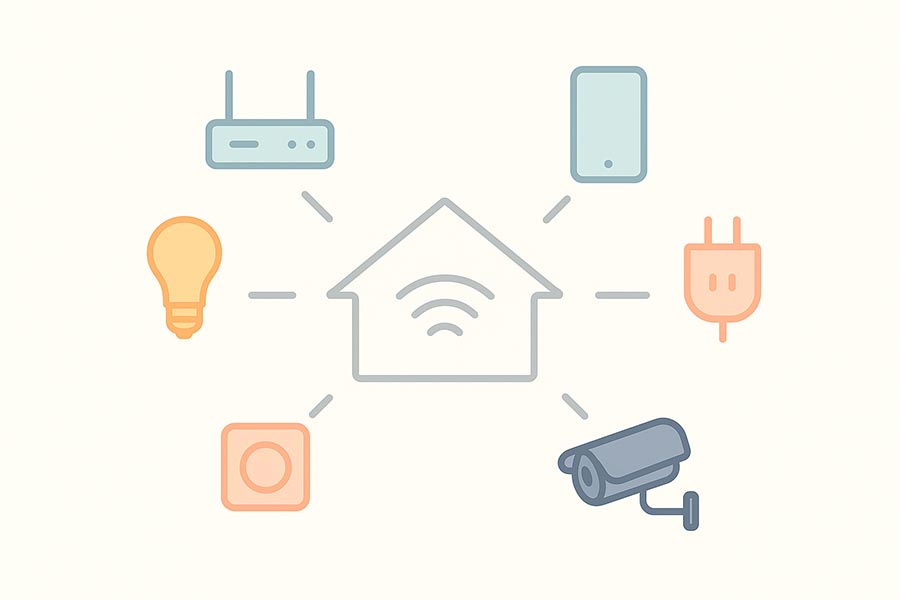
Why This Choice Matters (More Than People Think)
Your smart home is only as smooth as the “language” your devices speak. Pick the wrong standard and you may deal with:
Random disconnections
Devices that don’t work together
Slow response times
A Wi-Fi network that gets overloaded
Being forced into one brand’s ecosystem
The good news: once you understand the basics, the decision becomes simple.
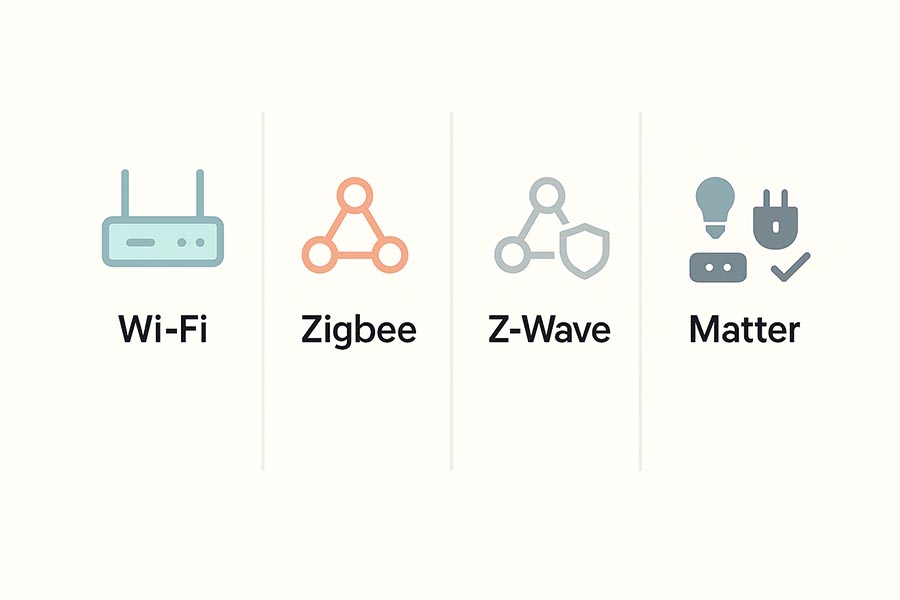
First: Matter Is Not the Same Kind of Thing as Zigbee/Z-Wave/Wi-Fi
Let’s clear up the biggest confusion.
Matter
Matter is a smart home compatibility standard. Think of it like a common set of rules that helps devices from different brands work together more easily.
Zigbee / Z-Wave / Wi-Fi
These are wireless communication methods (how devices actually connect and send signals).
So the simplest way to remember it is:
Matter = compatibility “language”
Zigbee/Z-Wave/Wi-Fi = the “transport” used to communicate
If you’re choosing devices for security, see our guide on choosing a smart home camera.
Wi-Fi: The Simple and Familiar Option
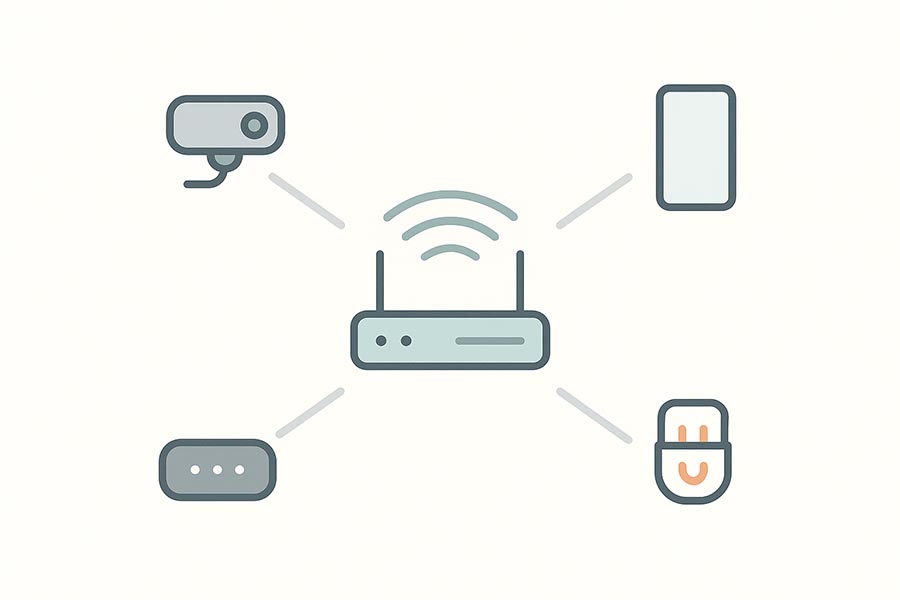
How Wi-Fi smart devices work
Wi-Fi devices connect directly to your home router, just like your phone or laptop. That’s why Wi-Fi products are everywhere and usually easy to set up.
Pros
Easy setup (often no hub required)
Great for high-bandwidth devices (like cameras)
Works well for beginners and small setups
Cons
Too many devices can slow down your network
Battery-powered Wi-Fi sensors often drain faster
Range depends heavily on your router and walls
Best for
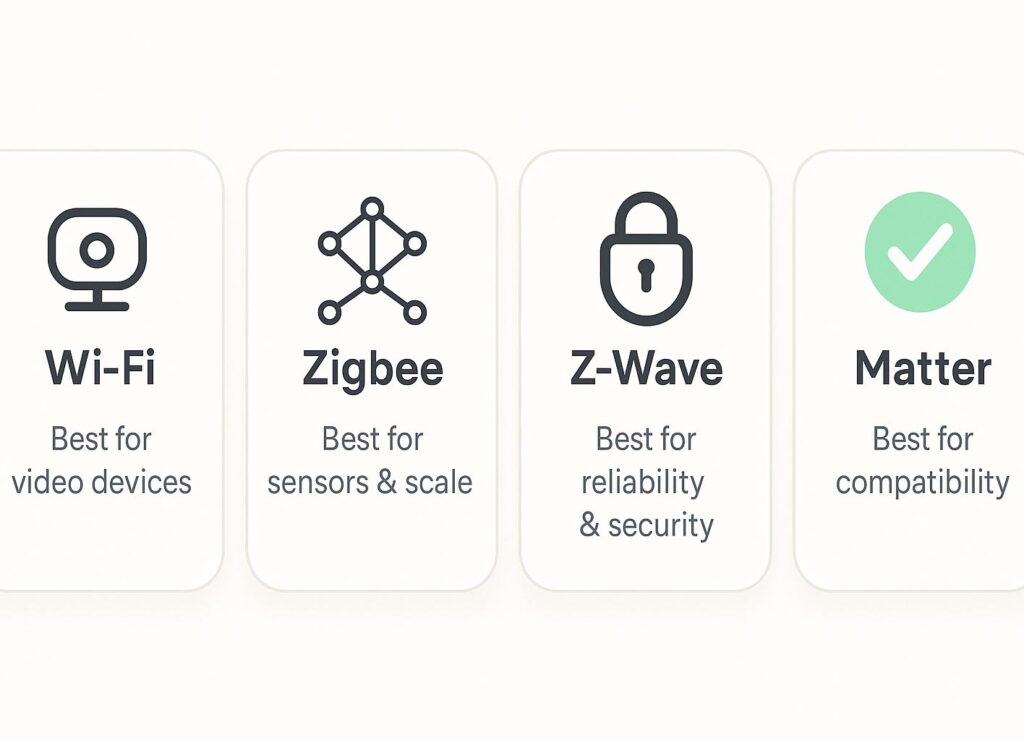
Cameras, video doorbells, smart speakers, and a small set of plugs/bulbs.
Zigbee: A Strong Mesh Network for Smart Homes
How Zigbee works
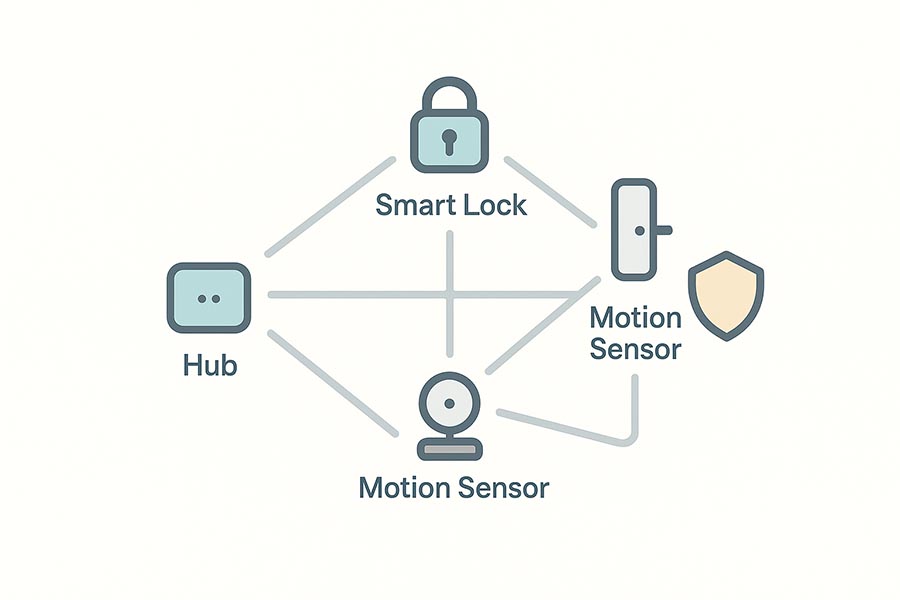
Zigbee creates a mesh network, meaning devices can pass signals through each other. In practice, that makes the system more reliable across a house—especially when you add powered Zigbee devices (like plugs) that act as repeaters.
Most Zigbee setups need a hub/bridge.
Pros
Very reliable in larger homes (mesh routing helps)
Low power (great for sensors)
Huge variety of devices on the market
Fast responses for local automations
Cons
Requires a hub (usually)
Compatibility depends on the hub ecosystem
Quality can vary by brand
Best for
Motion sensors, door/window sensors, smart bulbs, switches, and larger smart homes.
Z-Wave: The “Reliable Workhorse” Standard
How Z-Wave works
Z-Wave is also a mesh network, similar to Zigbee, and it usually requires a hub. It’s known for stability and consistency, especially for security-focused devices.
Pros
Very stable and consistent for automations
Great mesh performance when built properly
Solid choice for locks and security sensors
Cons
Devices often cost more than Zigbee
Smaller product variety in some regions
Needs a compatible hub
Best for
Smart locks, security sensors, and people who want reliability over cheap pricing.
Matter: The New Standard Focused on Compatibility
What Matter actually changes
Matter’s goal is to reduce the “will this work with my system?” problem. Instead of juggling different apps and bridges, Matter aims to make devices work across major ecosystems more smoothly.
What Matter runs on
Matter commonly uses:
Wi-Fi (for devices that need more bandwidth)
Thread (a low-power mesh technology similar in purpose to Zigbee)
And local network communication (IP-based control)
Pros
Better cross-brand compatibility (fewer ecosystem lock-ins)
Often supports more local control (faster and more reliable)
Future-friendly if you’re building a new smart home
Cons
Not every device supports Matter yet
Real experience varies depending on device and controller
Some setups still need a compatible controller/border router
Best for
New buyers who want a more future-proof setup and fewer compatibility headaches.
Which One Should You Choose? (Simple Recommendations)
1) Do you need a hub?
Wi-Fi: Usually no
Zigbee: Usually yes
Z-Wave: Yes
Matter: Sometimes (depends on Wi-Fi Matter vs Thread Matter and what you’re using to control it)
2) Which is best for many devices?
Zigbee & Z-Wave handle large smart homes well because of mesh networking.
Wi-Fi can handle many devices too, but it depends on your router quality and network load.
3) Which is best for battery sensors?
Zigbee / Z-Wave / Thread (Matter) are generally better for battery life than Wi-Fi.
4) Which is best for cameras?
Wi-Fi is usually the best option due to bandwidth needs.
If you’re starting from zero, follow this smart home starter kit guide to choose your first device and build step-by-step.
The Differences That Actually Matter
Choose Wi-Fi if:
You’re just starting
You want easy setup
You’re buying cameras, doorbells, or speakers
Choose Zigbee if:
You want a bigger smart home with sensors and switches
You want strong mesh reliability
You want lots of device choices
Choose Z-Wave if:
Reliability is your top priority
You’re focusing on security, locks, and stable automations
You don’t mind paying a bit more
Choose Matter if:
You want better compatibility across brands long-term
You’re buying new devices and want future-proof choices
You want fewer “this doesn’t work with that” moments
A Smart Approach: Mix the Best of Each
Many great smart homes don’t use only one standard. A practical combo looks like this:
Wi-Fi for cameras and bandwidth-heavy devices
Zigbee or Z-Wave for sensors, switches, and automations
Matter when available for easier compatibility going forward
This gives you speed where you need it, reliability where it matters, and flexibility later.
FAQs
Is Matter better than Zigbee or Z-Wave?
Not exactly. Matter is about compatibility, while Zigbee/Z-Wave are about wireless communication. Matter can be a big win for cross-brand setups, but Zigbee and Z-Wave are still excellent for reliable sensors and automations.
Do I need a hub for Zigbee or Z-Wave?
In most cases, yes. Zigbee and Z-Wave typically require a hub/controller to connect devices and run automations.
Why do Wi-Fi smart devices disconnect sometimes?
Usually it’s due to router range, interference, or too many devices competing for bandwidth. A better router or mesh Wi-Fi can help.
Final Thoughts
If you want the simplest setup, start with Wi-Fi devices. If you’re building a serious smart home with lots of sensors and automation, Zigbee or Z-Wave are often more reliable. And if you care about future compatibility and avoiding ecosystem lock-in, Matter is worth prioritizing when shopping for new gear.