 By
By What Is a Smart Home? A Beginner’s Guide
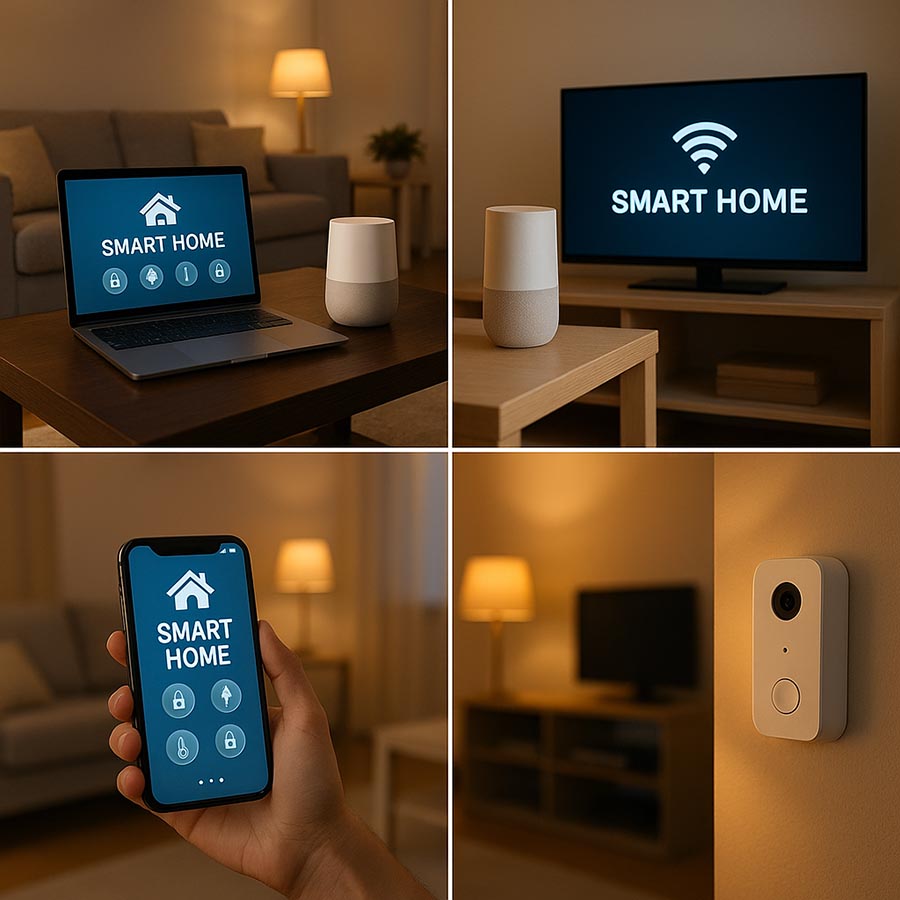
A smart home is a home where everyday devices—like lights, plugs, thermostats, doorbells, or speakers—can be controlled using your phone or voice, and sometimes automate themselves based on routines.
Instead of walking around switching things on and off, you can do things like:
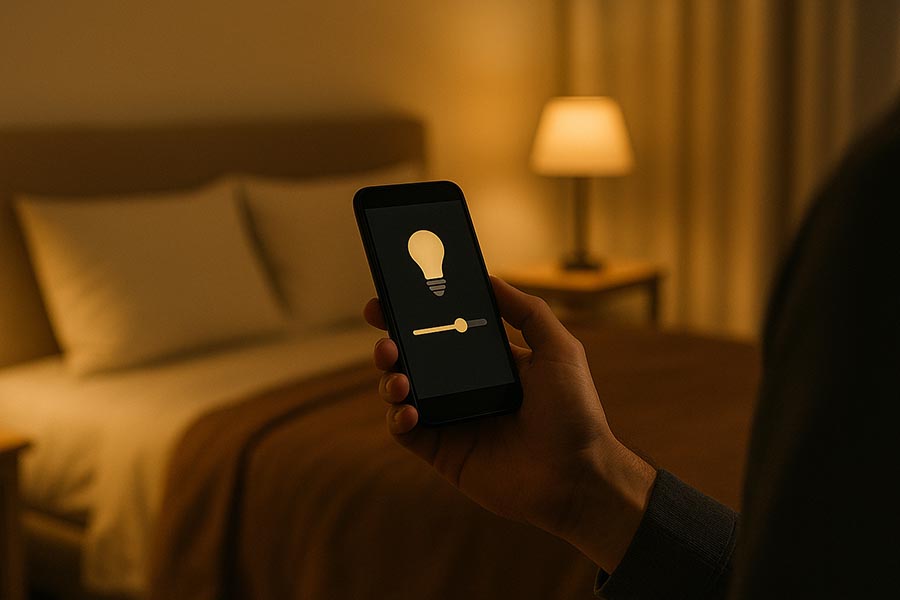
- turn off all lights from bed,
- set your heating to adjust automatically,
- get an alert when someone rings your doorbell,
- or run a “Good Night” routine that locks doors and lowers the thermostat.
The best part? A smart home doesn’t have to be expensive, and you don’t need to “go all-in” on day one. Most people start small and build over time.
How a Smart Home Works (in plain English)
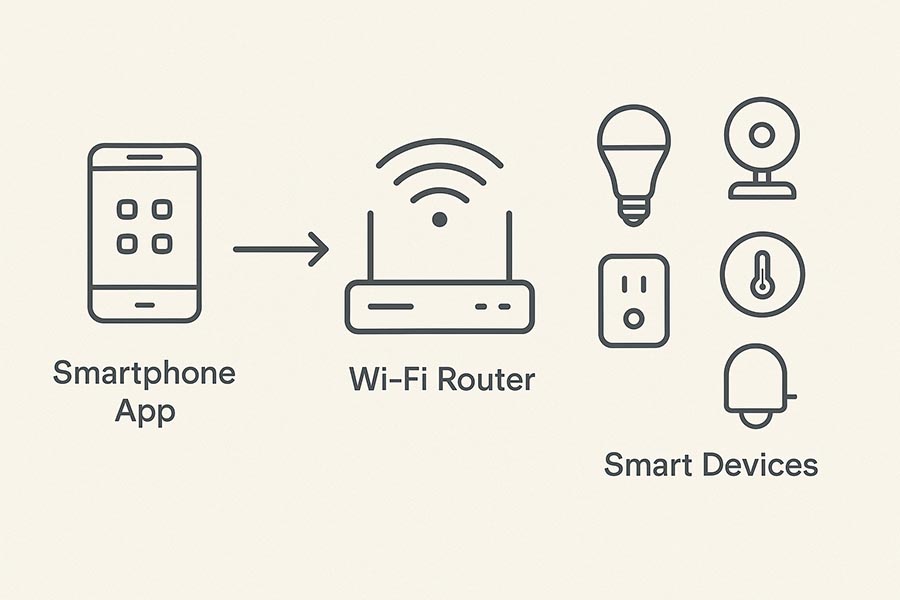
A smart home usually has three building blocks:
1) Smart devices
These are the products you install or plug in:
- smart bulbs and light switches
- smart plugs
- smart thermostats
- smart cameras and doorbells
- smart locks
- sensors (motion, door/window, temperature)
2) A way to control them
Typically, you control devices through:
- a mobile app (your phone)
- voice assistants (Amazon Alexa, Google Assistant, Siri)
- routines/automations (scheduled or “if this happens, do that”)
3) A connection (Wi-Fi, hub, or both)
Some devices connect directly to Wi-Fi. Others use a hub (or a “bridge”) to communicate reliably.
If you’ve ever had a device that randomly goes offline, that’s often a connection issue—not “bad luck.”
Smart Home Benefits (the realistic ones)
People often expect smart homes to feel like a sci-fi movie. In real life, the biggest benefits are more practical:
Convenience
- Control lights, heating, and plugs without moving around.
- Set routines like “Morning” or “Away” so your home behaves the same way every day.
Energy savings (sometimes)
Smart thermostats and smart plugs can reduce wasted energy—especially if you forget to turn things off.
Security and peace of mind
Doorbells, cameras, and sensors can help you stay aware of what’s happening at home, even when you’re out.
Accessibility
For elderly users or anyone with mobility issues, voice control and automation can be genuinely helpful.
What Should You Buy First? (Beginner Starter Kit)
Picture waking up in a home that’s ready for you—the lights slowly get brighter, and you smell fresh coffee as you start your day. If you’re new to this, keep it simple. Here’s an easy way to begin:
1) Smart speaker (or your phone)
A smart speaker makes it easier to control your home:
- Alexa and Google Home are popular because they work with many devices.
- Apple Home works best if you already use an iPhone/iPad and prefer the Apple ecosystem.
You can start without a speaker since apps work well too, but using voice control makes your home feel smart right away.
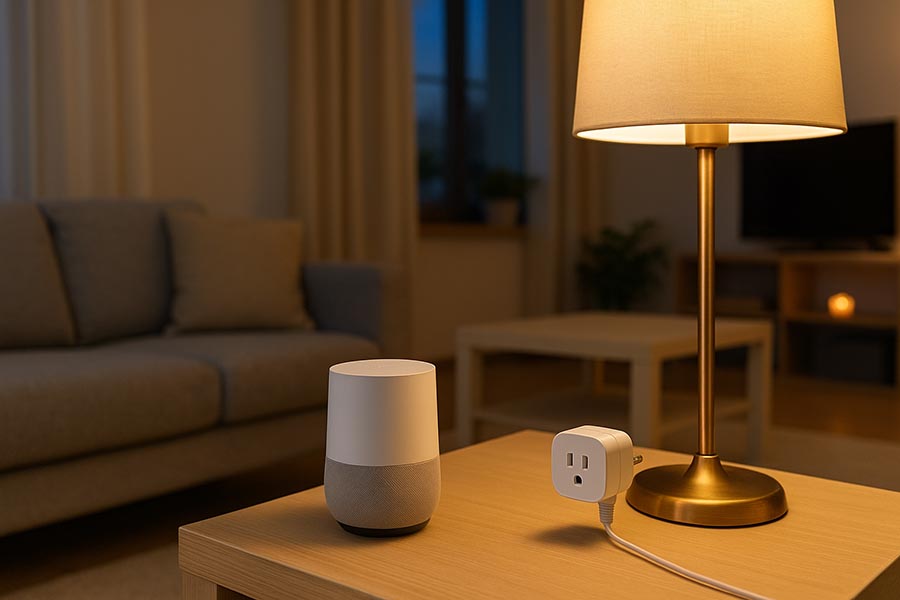
2) Smart plug (best first device)
A smart plug is great for beginners because:
- no wiring
- quick setup
- You can automate lamps, fans, coffee makers (simple ones), and more.
3 You can automate things like lamps, fans, and simple coffee makers, and more. But you need to keep the wall switch ON.
- Smart switches can feel more natural for families, but they are a bit harder to install.
If you live in a rental, bulbs are usually the easiest choice.
Smart Home Costs (what to expect)
Here’s a general price range to help you plan:
- Smart plug: $10–$30
- Smart bulb: $10–$40
- Smart speaker: $25–$100
- Smart doorbell/camera: $60–$250
- Smart thermostat: $100–You can set up a basic starter kit for under $100, especially if you start with just one or two devices. Try picking one device this week to begin your smart home journey. Share your progress with a friend for extra motivation. That first step can lead to even more smart home fun!
Common Smart Home Mistakes (and how to avoid them)
Mistake #1: Buying random brands with no plan
It’s tempting to buy whatever is on sale. But mixing devices without thinking about compatibility can become annoying fast.
Fix: pick a primary platform (Alexa/Google/Apple) and buy devices known to work well with it.
Mistake #2: Ignoring Wi-Fi quality
Many “smart device problems” are actually Wi-Fi problems—weak signal, overcrowded network, or wrong band.
Fix: place your router well, consider mesh Wi-Fi if needed, and understand that many devices prefer 2.4GHz.
Mistake #3: Going too big, too soon
Buying 10 devices at once sounds exciting… until you have 10 apps and 10 pairing issues.
Fix: start with 1–3 devices, learn how routines work, then expand.
Mistake #4: Skipping privacy settings
Some smart devices collect data. That doesn’t mean you should panic—but you should check the settings.
Fix: turn off unnecessary cloud features, enable 2FA where possible, and keep firmware updated.
Wi-Fi, Hubs, Matter, and Thread (quick overview)
You’ll hear these words a lot. Here’s the simplest explanation:
- Wi-Fi devices connect directly to your router (easy, but can load your network).
- Hubs/bridges help certain devices communicate more reliably.
- Matter is a newer standard designed to improve compatibility across platforms.
- Thread is a low-power networking tech often used with Matter.
You don’t need to master this on day one. Just know: compatibility matters, and reliability matters.
A Simple Smart Home Routine Example (that feels useful)
A good first routine is “Good Night”:
- turn off living room lights
- turn on a bedroom lamp at 20%
- lower thermostat slightly
- turn off a smart plug (like a fan or heater)
It’s small, but it’s the kind of thing that makes people actually stick with smart home setups.
FAQ (for SEO + readers)
Are smart homes safe?
They can be, as long as you use strong passwords, keep devices updated, and avoid sketchy brands. Basic security habits make a big difference.
Do I need a hub to start a smart home?
Not always. Many beginner devices work with Wi-Fi. A hub can help later if you want better reliability or specific device types.
Can I build a smart home in a rental apartment?
Yes. Start with smart plugs, bulbs, and sensors that don’t require permanent installation.
What’s the easiest smart device for beginners?
A smart plug is usually the easiest: simple setup, practical use, and low cost.
Conclusion
A smart home isn’t about having the most gadgets. It’s about solving small everyday problems—lights, comfort, security, and routines—without creating new headaches.
If you’re starting today, pick one platform, buy a smart plug, set up one routine, and build from there.
New here? Start with our About Us page, and if you have a question, feel free to contact us